eKYC
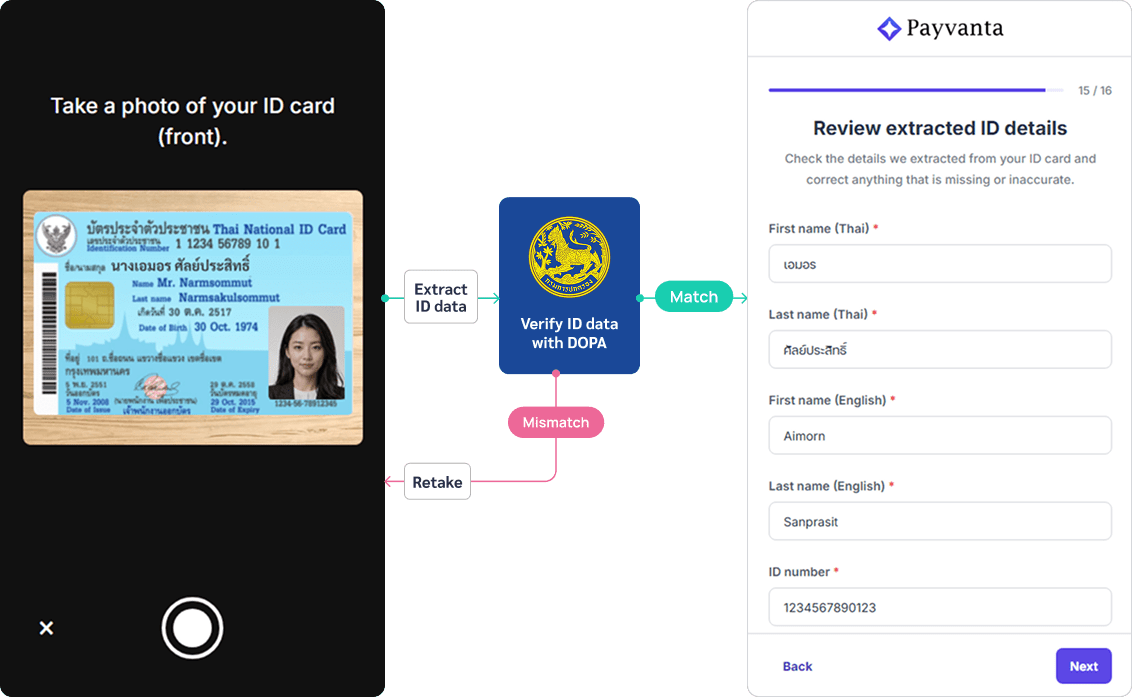
Merchant identity verification combines Thai national ID OCR, a government DOPA registry check, and a liveness face match into a single camera-based session. For juristic entities, director verification runs as a separate, asynchronous flow.
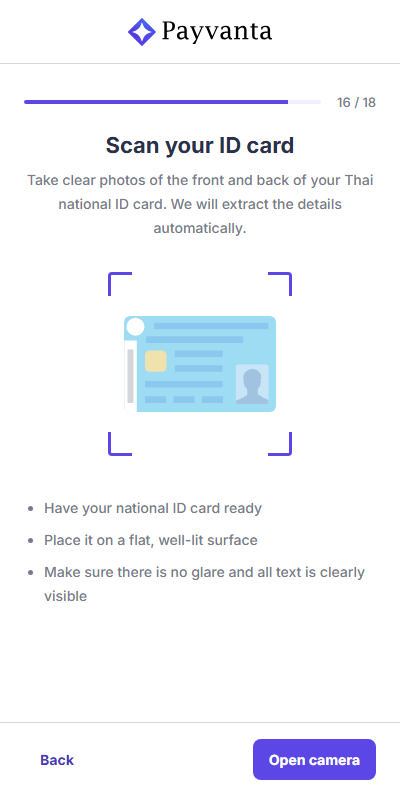
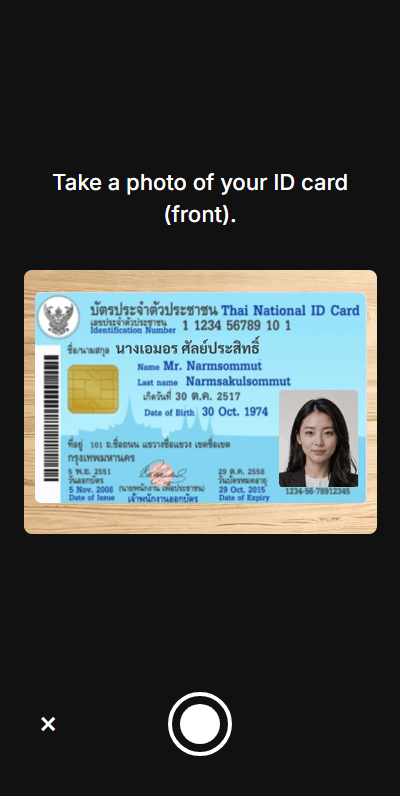
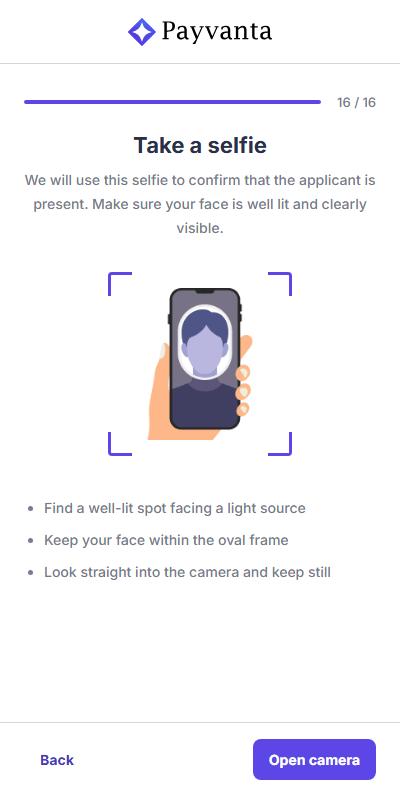
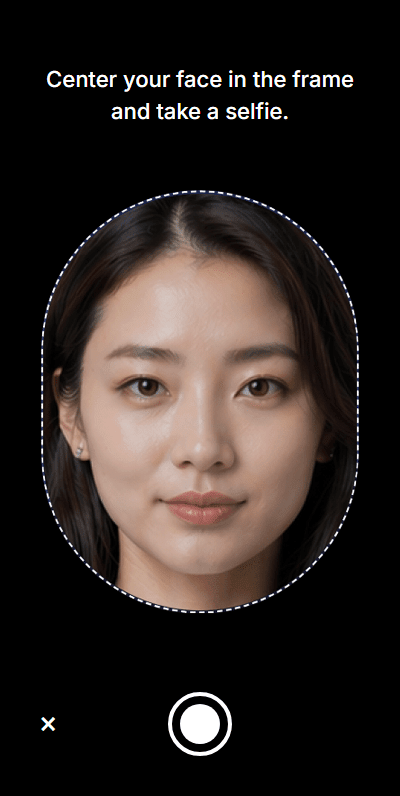
A payment platform cannot take your word for who you are
Before granting access to accept payments, a platform has a legal and regulatory obligation to confirm the identity of every person applying. eKYC replaces in-person verification with a camera-based flow, adding a liveness check to confirm that a real person, physically present, is the one submitting.
Three-check verification in a single camera session
The process is the same whether it is the applicant or a director. For juristic applicants, the person filing is the person of attorney (POA), who completes eKYC as part of the main flow. Each listed director completes theirs separately afterward via a dedicated link.
What determines the final eKYC result
Each submission is evaluated across three dimensions: card photo quality, whether OCR-extracted fields were edited, and how closely the selfie matches the ID.
| Check | What the system looks for |
|---|---|
| Card photo | Was the card physically present, flat, unobstructed, and legible. Confirmed by operations. A photo of a screen or photocopy does not pass. |
| Field edits | OCR is not perfect, so applicants can correct extracted names or dates of birth. Any correction is also a potential fraud signal. The system flags any edit for manual review. |
| Selfie match | A face comparison model scores how closely the live photo matches the ID card photo. A strong match passes automatically, a weak match is flagged for review. |
| Individual eKYC result | The weakest result across the three checks becomes this person's final eKYC status. |
| Juristic eKYC result | For company applicants, every director's eKYC must resolve before the application can proceed. |
All checks pass with no field edits. Application proceeds automatically without requiring manual review of eKYC data.
One or more checks returned below-threshold results, or the applicant edited OCR-extracted fields. Surfaced for manual review in the reviewer workspace.
The applicant fails capture during onboarding, such as exceeding five attempts on any capture step. The application cannot be completed and is not sent to back office review.
How the ID card capture works
The applicant positions the card within the frame and captures. The system then performs OCR extraction and document verification.
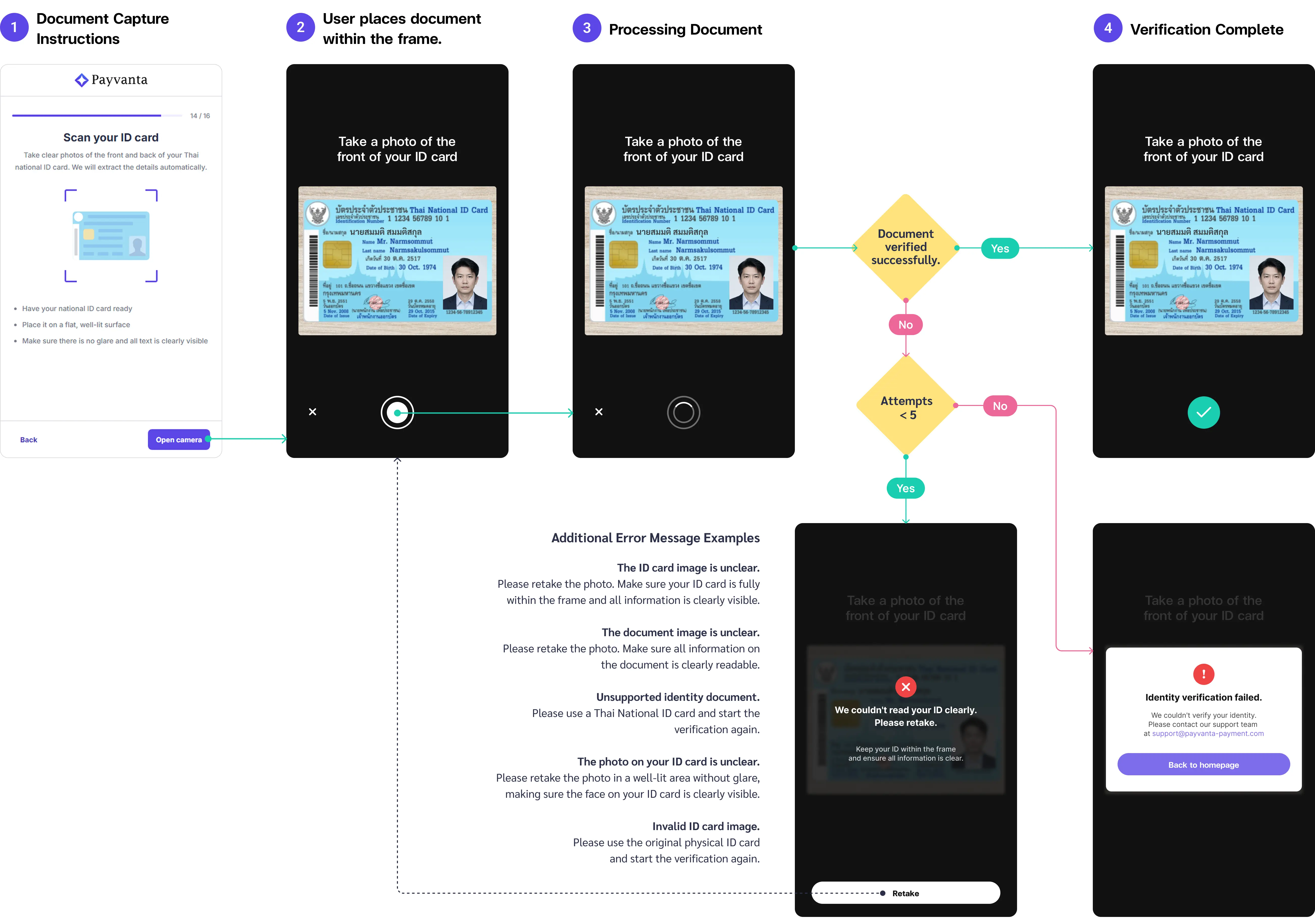
Each failed capture returns a specific error code mapped to a targeted retake prompt.
A selfie that proves the person is present
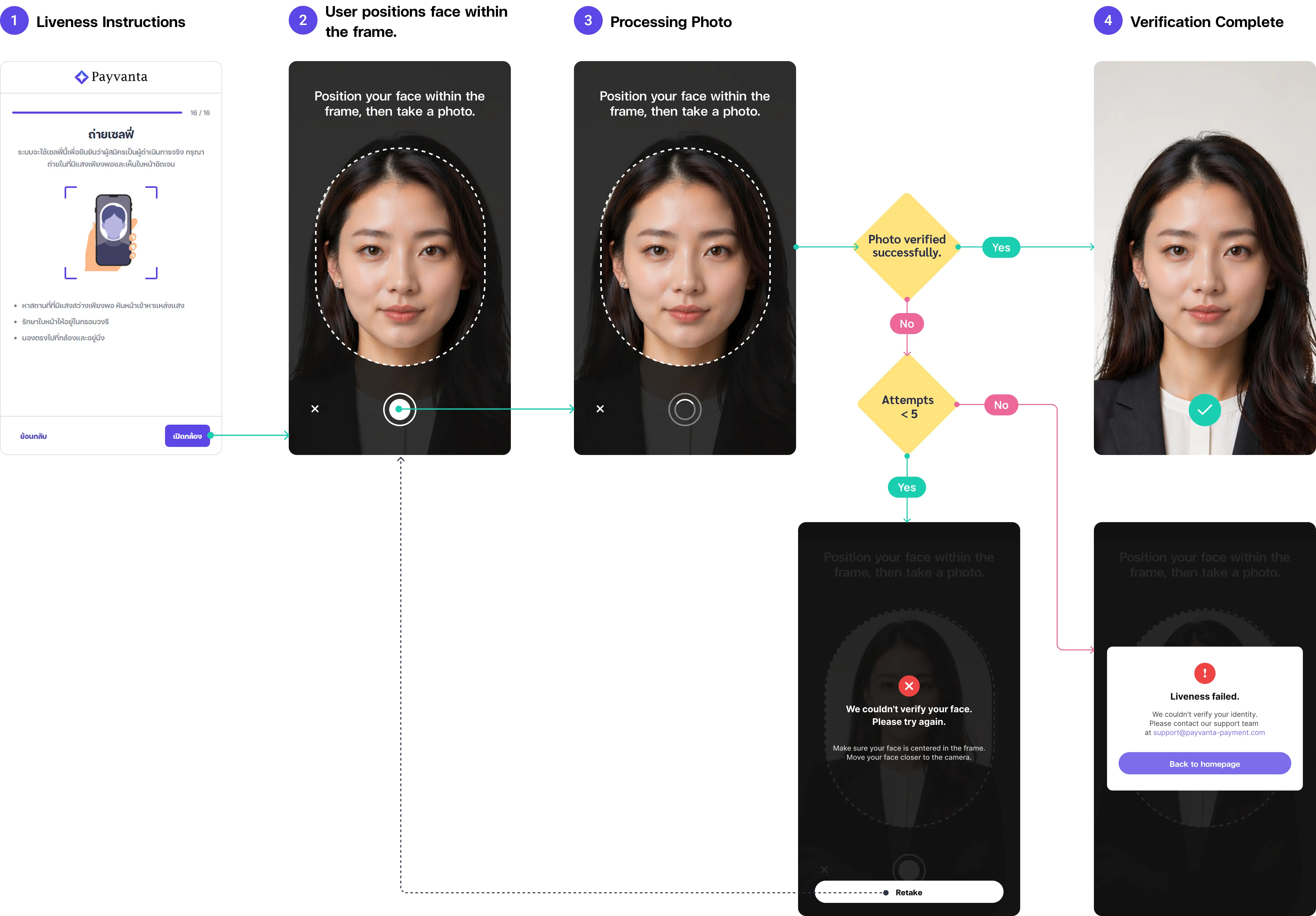
The applicant taps to shoot when ready, with real-time guidance to frame the shot correctly.
Capture design decisions
Manual capture: the user decides when to shoot
Auto-capture triggers as soon as the card is detected, which is not always when the applicant is ready. Manual capture gives the applicant time to adjust position and lighting before tapping to shoot.
Five attempts: not three, not ten
Three is too strict: many legitimate users struggle on the first attempt. Ten is too permissive: it gives someone with a stolen card multiple low-friction chances. Five was validated through production testing as the point where most real users succeed and the window stays narrow enough to matter.
Specific errors so the next attempt corrects the right thing
A generic "try again" tells the applicant nothing. Each ML error code maps to a message naming what failed: blur, wrong document type, unreadable face region, or non-physical image.
Hard fail redirects out, not into a loop
After five attempts the session terminates and the applicant is sent to the Payvanta homepage. Leaving them on the capture screen with no working path creates a dead end.
Each director verifies separately after submission
Each director completes their own eKYC through a separate link after the application is submitted. The POA coordinates delivery.
Why eKYC sits at the end of the flow
eKYC is kept near the end because losing a qualified lead is the bigger risk than screening for intent early. By this point, Payvanta has already captured the applicant's contact details and business information, so a drop-off does not erase the whole lead. The camera scan is also listed upfront on the intro page, which makes eKYC feel like the expected final check instead of a surprise gate.
- Filters uncommitted applicants before any data entry
- High drop-off before the product's value is communicated
- No contact data captured if the user abandons
- User has no context for why a camera scan is required
- Camera access request feels invasive as a first impression
- Contact and business data already collected before any drop-off
- Sunk cost from completing earlier steps reduces abandonment
- User understands the product before committing to an ID scan
- OCR pre-fills subsequent fields, reducing form fatigue at the end
- Friction spike after a long form can feel like a surprise
No friction on the verification step itself
Testing covered 8 participants (2 moderated, 6 unmoderated). Each session included a forced fail followed by a pass for both ID document capture and liveness, testing whether the system communicated what went wrong and guided recovery clearly.
No participant struggled to understand what the AI model was evaluating. Error messages were specific enough that retakes felt instructional rather than punitive. The session completion rate was 100%, though this reflects both motivated participants and a prototype that had been iterated to address known issues before testing began.
Modules of the ecosystem
This case study covers registration and identity verification. Each module was designed independently and built to hand off cleanly to the next.